Video 360
Learn To Setup and Manage A Budget-Friendly Professional-Looking, Reliable Livestream For Your Church
See what you can do...
These are a few snippets from some of the church services I've live streamed. Notice how you can hear the singers and the instruments. The graphics that are displayed were all done during the live broadcast. This greatly reduces the time I have to edit the videos. I'll show you how to use OBS to have a professional looking video podcast and/or live stream of your own.
When you’re livestreaming your church service, it can be frustrating:
-
Audio or video fails at the worst possible moment
-
OBS or other streaming software feels overwhelming
-
You spend hours troubleshooting instead of streaming
-
Your livestream doesn’t look as professional as it should
Imagine this instead:
-
Your livestream is set up once and works every single time
-
You know exactly what to do — no guesswork, no panic
-
OBS scenes and layouts are optimized for a professional look
-
Audio, video, and visuals are consistent every stream
-
Weekly group coaching keeps you confident and improving
This course + coaching system works for both individuals and organizations.
You’ll get professional results, whether you’re solo or running a team.
What You Get Inside the Program
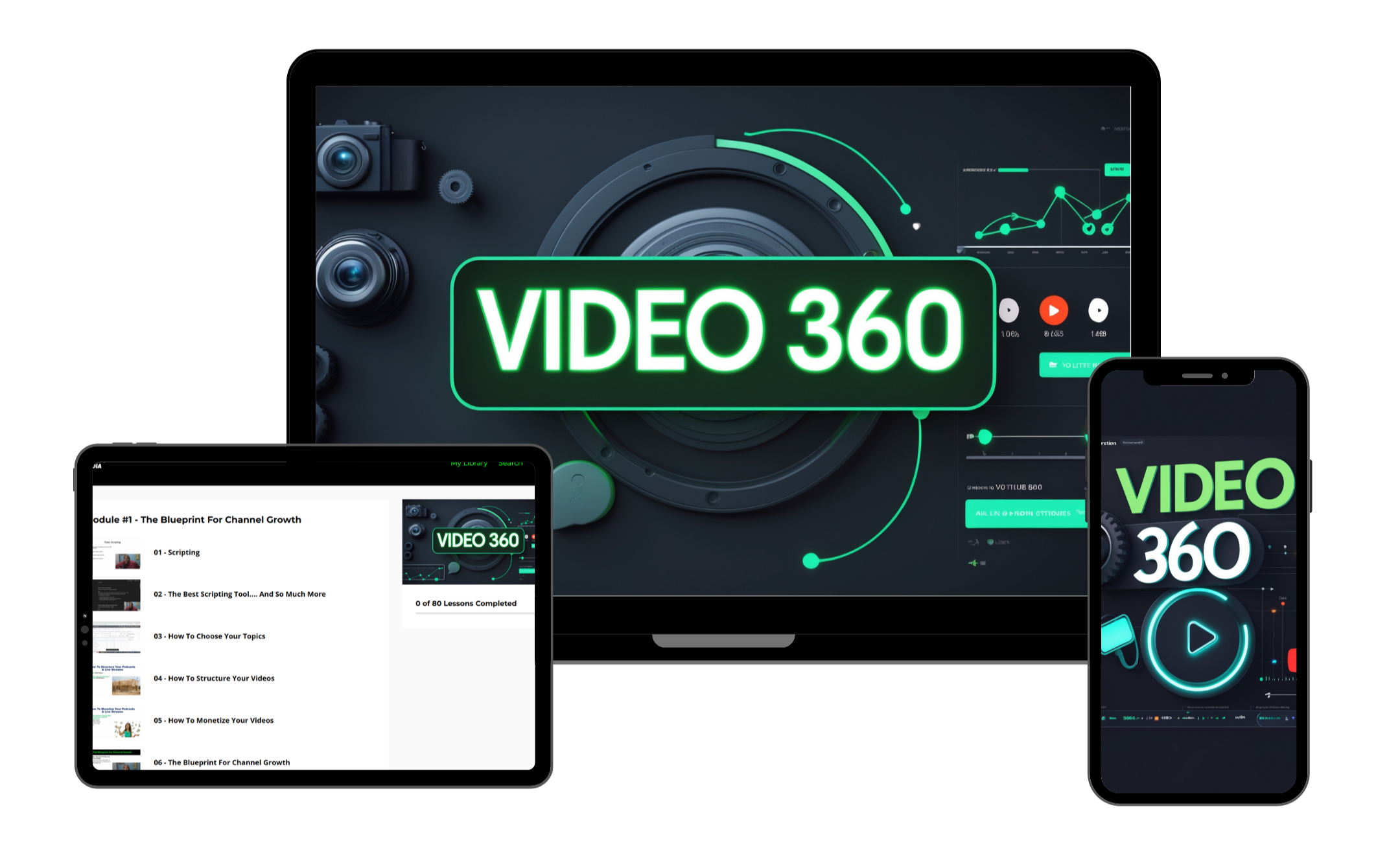
Detailed Video Course
-
Step-by-step setup of your livestream system
-
Single-camera setup optimized for audio & video quality
-
OBS layouts and scene management
-
Individual or volunteer-friendly instructions
Weekly Group Coaching
-
Ask questions and troubleshoot issues
-
Tips to make your stream look professional
-
Learn advanced features and shortcuts
- You won't be in this alone
Video 360 Community
-
Collaborate with other students
-
Share your experiences
-
Get help in between coaching sessions
-
Possibly create friendships/partnerships
Module #1 - Equipment
-
In this module you will learn how to choose the best equipment for your budget and how to connect it for a single camera setup, multi-camera setup, gaming setup, and more.
Module #2 - How To Live Stream and Record Videos
-
This module will teach you how to install and configure OBS. You will learn how to live stream and record with OBS. It covers green screens, overlays and more.
Module #3 - Basic Video Editing
-
This module will teach you how to use free software to polish your videos, after the live stream. You'll learn how simple it is to make a few adjustments to your video, to make it "tell the story" you want it to tell.
Module #4 - Basic Photo Editing & Thumbnail Creation
-
Thumbnails can be an important part of the successful of your live stream. This module will teach you a simple way to create thumbnails that stand out.
Module #5 - YouTube Channel
-
Your channel needs to be setup a certain way to make your success come faster. This module will teach you how to create a brand new channel and optimize it for growth
Who This Is For...
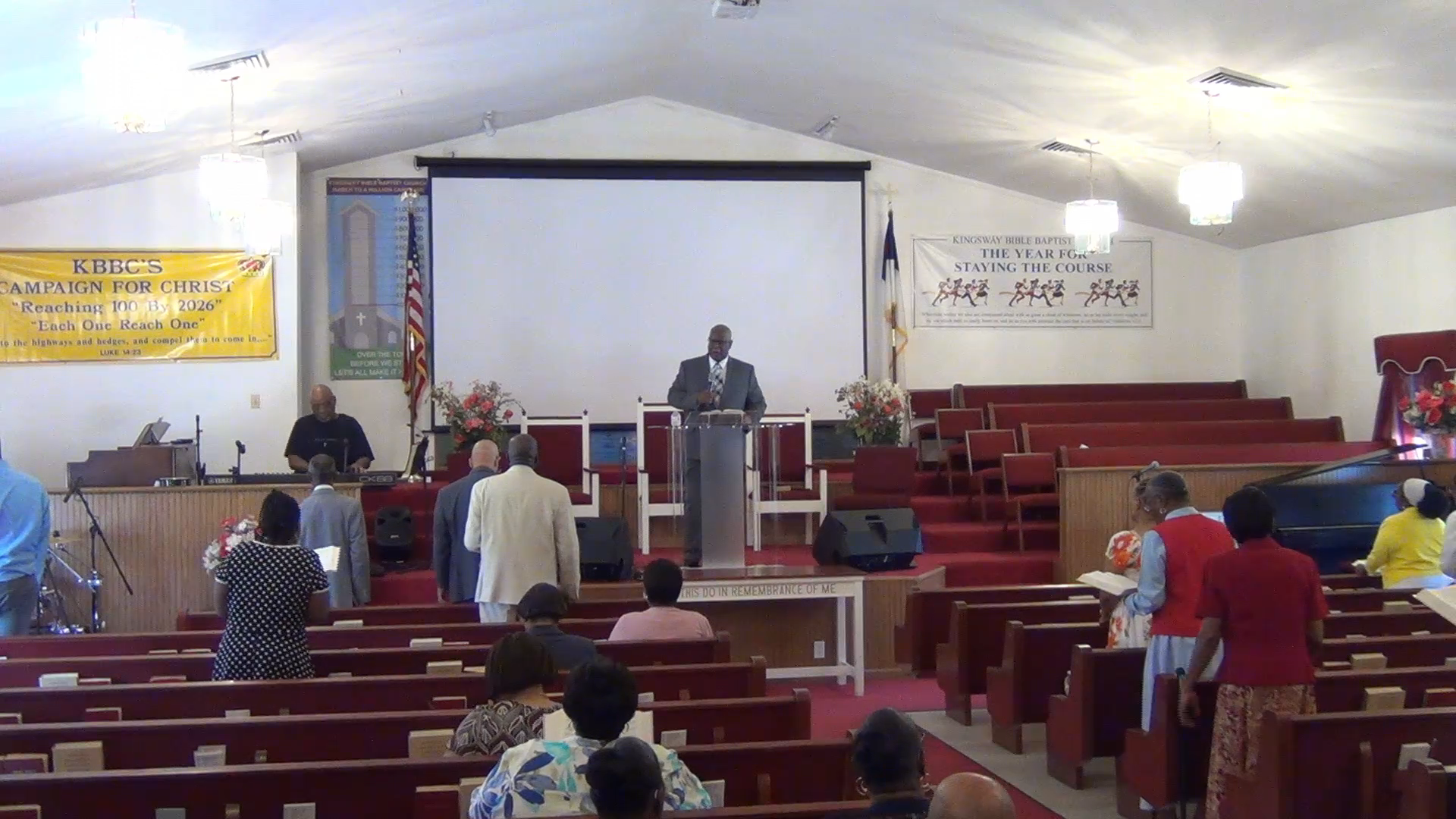
Churches (Church Media Ministries)
This is perfect for churches because 90 percent of the live streams I've ever run were from the church I attend. Everything you need for your weekly services is inside this program.
After completing this system, you’ll be able to:
-
Run professional-looking livestreams without stress
-
Confidently operate OBS and your camera every stream
-
Train volunteers or manage yourself without frustration
-
Focus on content, not tech headaches
Works whether you’re solo, a volunteer, or a full team.
About me and why I created Video 360...
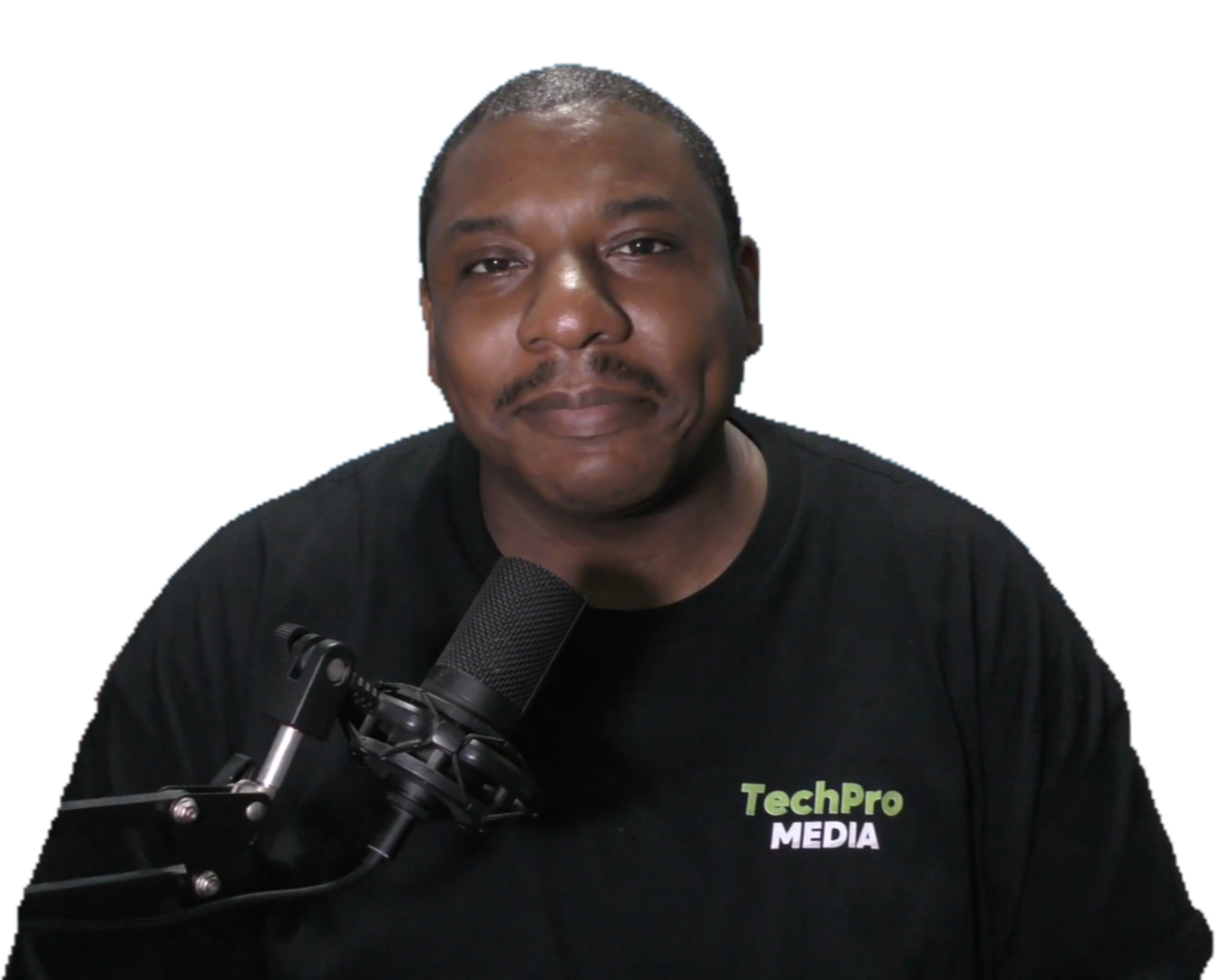
Joe Bell III
Creator, Video 360
I am a born again christian, a father, and an entrepreneur.
After my 12 year IT career ended, I became self-employed. Since then I've done web design, photo editing, video editing, cell phone repair and a few other things.
In 2020, when everyone was stuck inside and we all had to learn how to communicate online is when I learned the skill that would forever change my business journey... live streaming. I was tasked with getting our church services live on Facebook and YouTube, simultaneously.
All of the skills I had acquired to that point seemed to all come together. I was able to quickly understand and master live streaming. What was taking people weeks or longer to figure out, I had completed in a few days.
After a while, people noticed our live stream and started to ask me to help them with theirs. I also wanted someone at the church to be able to run the live streams in case something happened to me. That's when I God gave me the idea that is how I earn income today.
I put together a training program that teaches people who know nothing about live streaming how to master it, step-by-step. I tested it with my 11 year old daughter and she was able to run the live stream without my assistance after just a few weeks of practice. The thing is, we only practiced once a week, on Sundays. When I started helping people who were able to practice any day they chose, they grasped it within a week or 2 (some took a little longer).
That's why I created Video 360. I know I don't know absolutely everything there is to know about live streaming but I know that I can teach a complete beginner how to setup and run a reliable, professional-looking, budget-friendly live stream.
If you are someone who wants to learn, whether for your church, business, or even personal use, I can show you everything you need to know inside Video 360.
See you inside.
Frequently Asked Questions
What if I am a total beginner?
Everyone starts at zero. This course will show everything from scratch and most of the videos are “over-the-shoulder” trainings. You basically watch me do it and explain how/why it’s done and then you go do it. And of course, I am there to help you in the community.
How long do I have access to this community & course?
As soon as you enroll, you’ll have lifetime access to the community, course and any updates.
How do I get access to the community once I’m enrolled?
Once you enroll, you will receive an email with instructions to log into the community and the course.
How long are the training videos?
The training videos are on-demand so you can watch them on your computer, phone or tablet whenever you want. All you need is an internet connection.
How do I know this is will work?
This program is about creating a professional-looking, budget friendly, reliable live stream. It doesn't teach you how to grow an audience or earn income. With that being said, the videos on this page prove that I've actually done everything I teach in this program. That's how you know it will work for you.
Do you offer refunds?
Yes. You have 7 days to request a refund via email. Send emails to [email protected]
Join The Community
Your church, your business, your podcast could be live in a week. You just have to take the first step.